




About Granny 2 Fnaf
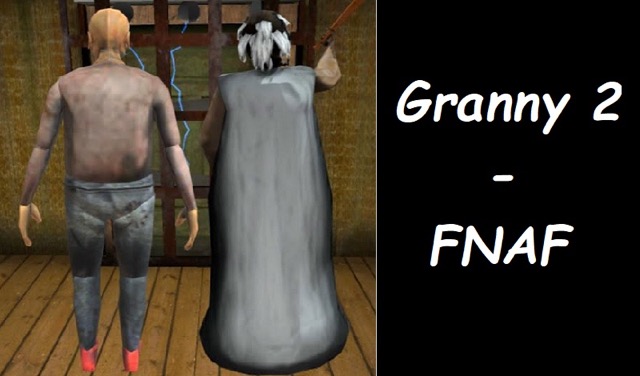
Granny 2 - FNAF links house preparation with a later camera-based defense. Setting up surveillance gives the computer a practical role, while using doors and lights affects the shift's resources. Prepare the monitoring system before concentrating on the night watch.
How to Play Granny 2 Fnaf
Getting Started
- Complete the opening preparation and inspect the available cameras.
- Use the computer to track Granny's approach.
- Operate the relevant door or light and return to observation when the threat clears.
Controls
| Input | Action |
|---|---|
| Mouse | Look around |
| WASD / Arrow keys | Move |
| E | Interact |
| Ctrl | Crouch |
Preparing Surveillance Before the Night Watch
The opening involves preparing the house and setting up surveillance. Inspect the camera system and learn how the computer presents its views before relying on it to track Granny. Each feed should answer a question about an approach, rather than becoming a cycle through every room without a purpose.
During the defense, doors and lights affect the shift's resources. Use the control relevant to the approach you are watching, then return to observation when the immediate threat clears. Preparing the cameras and managing the defenses are parts of the same sequence: the first supplies information for decisions made later.
Practical tips
- Know which approach a camera covers before relying on its image.
- Avoid spending a defensive resource on a corridor that is no longer threatened.
Frequently asked question
Is the computer only background furniture?
The computer lets you monitor the house. Complete the camera setup, then use the views to track the approaching threats.