



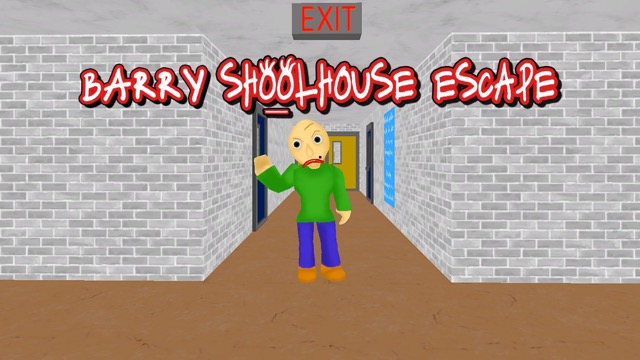





About Scary Baby in Yellow
Scary Baby in Yellow follows a babysitter whose household tasks become increasingly unsettling. Yellow markers connect the current instruction with a room or object, while a timer adds pressure. Completing the assigned chore is more useful than roaming the whole house after every interruption.
How to Play Scary Baby in Yellow
Getting Started
- Read the current duty and locate its yellow marker.
- Carry the required object to the indicated place.
- Confirm the task has advanced before moving on to the next babysitting chore.
Controls
| Input | Action |
|---|---|
| Mouse | Look around |
| WASD / Arrow keys | Move |
| F | Interact |
| Space | Jump |
| Shift | Run |
| Escape | Pause |
Using Markers During Babysitting Tasks
Each duty begins with an instruction and a destination marker. Read the task first, then use the yellow marker to find the relevant room or interaction. Check the object named in the instruction once you arrive; the marker is a guide to where to look, while the task tells you what to do.
The timer and unsettling events can draw attention away from the current chore. If an interruption occurs, remember the last instruction and whether you had already picked up the object. Return to that task, complete the interaction, and look for confirmation that the game has advanced before following a new marker.
Practical tips
- Use the marker as a destination, then check the object the instruction actually names.
- Keep track of the task before reacting to a scare so you can resume without searching every room again.
Frequently asked question
What do the yellow markers mean?
They point toward the location or interaction needed for the next duty. Follow the marker, then check the task instruction before acting.