





About 5 Nights at Timokha 3: City
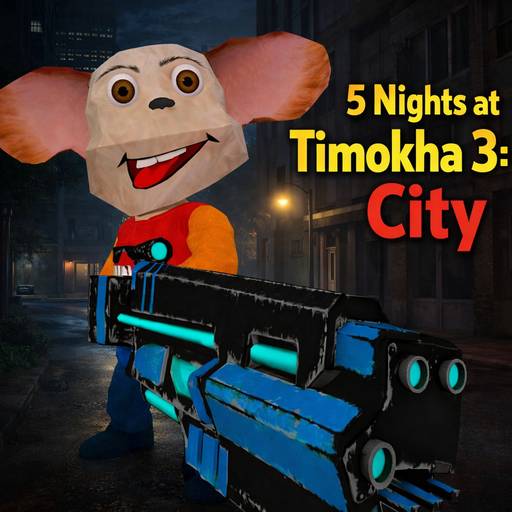
5 Nights at Timokha 3: City combines two different parody challenges. One mode uses a security desk and serving cakes and tea; another puts the player into an active encounter with a pie-firing weapon. Choosing the mode is the first meaningful decision because it changes both controls and objectives.
How to Play 5 Nights at Timokha 3: City
Getting Started
- Read the mode choice before starting.
- For the desk mode, follow the visitor and serving instructions.
- For the action mode, move through the area and aim the pie weapon at the approaching clones.
Controls
The following inputs apply to the action mode.
| Input | Action |
|---|---|
| WASD / Arrow keys | Move |
| Left click | Shoot |
| Space | Jump |
| Escape | Pause |
Serving at the Desk or Facing Clones
The mode choice changes the work of a shift. At the security desk, follow the visitor instructions and serve cakes and tea as requested. Check the current request before acting so a serving task does not become confused with an animatronic-defense routine.
The action mode takes you into an active encounter with a pie-firing weapon. Aim at the approaching clones while moving through the area. Use WASD or the arrow keys to move, left click to shoot and Space to jump. Learn the mode you selected first; a control or objective from the desk does not automatically apply to the action sequence.
Practical tips
- Learn one mode at a time so a control learned at the desk is not mistaken for a shooting input.
- During action play, maintain room to aim instead of letting a group surround the firing position.
Frequently asked question
Is the whole game a fixed-camera night watch?
No. There is both a desk-based mode and a separate shooting mode. Choose the mode first, then learn the controls and objective for that mode.