
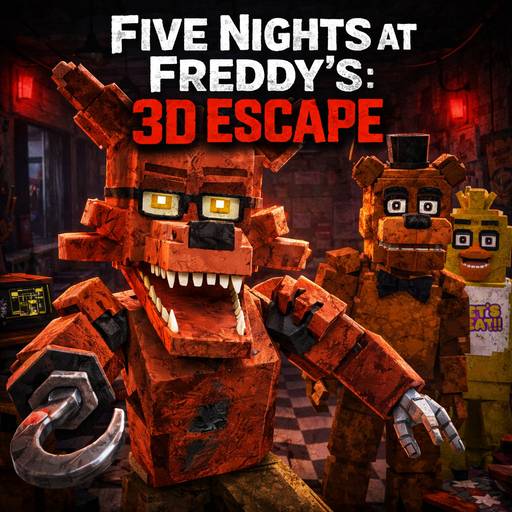




About Five Nights at Freddy’s: 3D Escape
Five Nights at Freddy's: 3D Escape adds movement through the security office to an animatronic monitoring setup. Cameras provide information, but the player can also inspect nearby approaches. Managing that transition matters: a distant feed cannot replace checking the threat already near the room.
How to Play Five Nights at Freddy’s: 3D Escape
Getting Started
- Learn the tablet interaction and the office's accessible approaches.
- Track the latest animatronic movement through the cameras.
- Inspect the nearby side when a threat leaves view and apply the indicated defense.
Controls
| Input | Action |
|---|---|
| Mouse | Look around |
| WASD / Arrow keys | Move |
| Left click | Interact |
| Space | Jump |
| Escape | Pause |
| E | Use the tablet |
Cameras, Hallways and Battery Power
The camera tablet helps you follow animatronics through the pizzeria, but the office itself is a space you can move around. Use the feeds to learn where a character was last seen, then look toward the nearby hallway if it disappears from view. Press E to use the tablet and switch your attention back to the room when necessary.
The office also has a limited battery. Avoid leaving systems running without a purpose: check a feed to answer a location question, then use a defense when a nearby approach calls for it. After a failed night, compare which part of that routine left you exposed or used too much power.
Practical tips
- Use a camera check to answer a specific location question rather than leaving it active without a purpose.
- Return to the immediate approach after an interruption before beginning another distant scan.
Frequently asked question
Is this the original fixed-view FNAF interface?
You can move around the 3D security office as well as check the cameras. Learn the tablet and nearby controls so you can switch between monitoring and responding to a close threat.