





About Cornfield
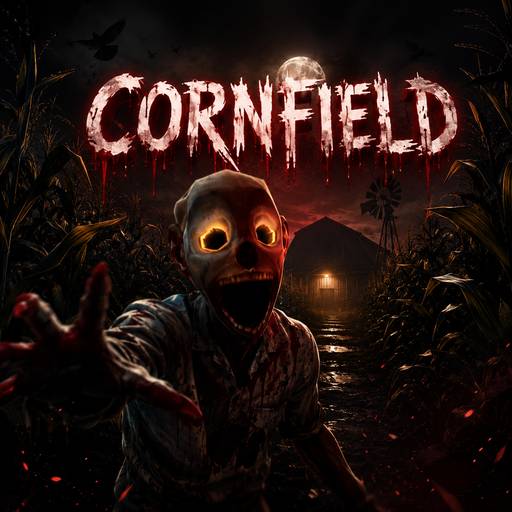
Cornfield makes the tall crop walls both a maze and an obstacle to seeing the approaching threat. Puzzles give the search direction while the narrow paths limit recovery from a wrong turn. The useful unit of exploration is a connected branch you can recognize again.
How to Play Cornfield
Getting Started
- Choose a junction as a return landmark.
- Search its branch for the clue or object connected with the current puzzle.
- Return to that landmark before extending into another branch.
Controls
| Input | Action |
|---|---|
| Mouse | Look around |
| WASD / Arrow keys | Move |
| Left click / E | Interact |
| C | Crouch |
| Shift | Run |
Puzzle Solving in the Maze
Cornfield's maze is built from tall rows that restrict the view ahead, while a corn monster patrols the area. The escape depends on working through challenges as you navigate rather than running down every available path. At a junction, choose a branch and identify a feature that will help you recognize the way back.
When you encounter a puzzle, remember the nearby turn or landmark before searching another route. A creature encounter may force a detour, but the last recognizable junction gives you a starting point for returning to the task. Use the mouse to look, movement keys to navigate and the interaction control when examining a clue.
Practical tips
- Do not let an interrupted search erase which side of a junction remains unchecked.
- Identify the way out of a narrow path before spending time on its object interaction.
Frequently asked question
Why does running everywhere fail to produce progress?
It can hide the connection between a clue and its route. Organized searching makes a new discovery easier to use.