



Live Granny4.io
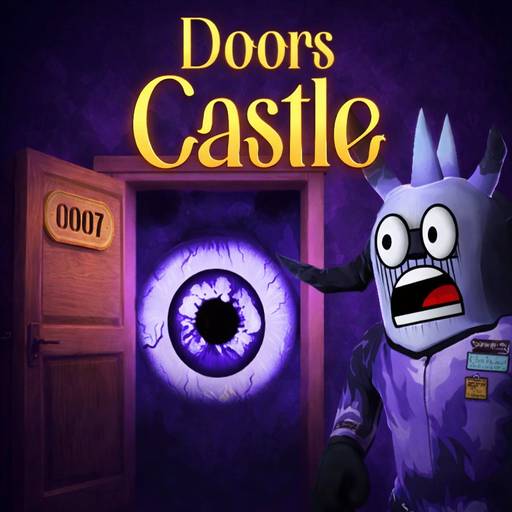
Doors Castle

Quick Controls

  • WASD: Move
  • E: Interact
  • C: Crouch
  • X: Drop selected item

View all controls

Practical Tips

  • Remember the doors you could not open so finding a key leads to a purposeful return trip.
  • Before dropping an object, choose a location you can recognize and revisit.

Horror Escape Games

Doors Castle

Doors Castle is a survival adventure through a haunted fortress.

Rating
—
Likes
—
Platform
Web browser
Classification
Horror Escape Games
Don't Go Through That DoorDon't Go Through That DoorMr Meat House of FleshMr Meat House of FleshBarry's Schoolhouse EscapeBarry's Schoolhouse EscapeAlone IIAlone IIDemonic Nun Two Evil DungeonsDemonic Nun Two Evil DungeonsDr Psycho Hospital EscapeDr Psycho Hospital EscapeHospital Horror Scary EscapeHospital Horror Scary EscapeIce Scream Horror EscapeIce Scream Horror Escape
advertisement

About Doors Castle

Doors Castle is a survival adventure through a haunted fortress. Keys open the way deeper into its rooms and corridors, while monsters turn a simple search into a decision about when to move and when to hide. Hidden passages and locked routes reward examining a room carefully. The practical objective is to connect what you find with a door you can open, then reach it without drawing attention from a nearby threat.

How to Play Doors Castle

Getting Started

  1. Explore the accessible rooms and inspect doors that require a key.
  2. Pick up a useful key or object, then return to the route it opens.
  3. Watch for monsters and use crouching or cover when an exposed crossing is unsafe.

Controls

Input Action
WASD Move
E Interact
C Crouch
X Drop selected item
Tab Toggle cursor and character control
O Open settings

Using Keys and Navigating the Castle

A locked door is both an obstacle and a clue about where to return. Search the accessible corridors and side rooms for a key, then use E to interact with a door or pickup. Opening a passage can lead to another part of the castle, so note the route back as well as the new area.

Monsters make the trip between rooms more than a simple search. Crouch when you need a less exposed approach, and avoid stopping in the middle of a corridor to work out which item to use. X drops the selected item; leave anything you may need again somewhere recognizable.

Practical tips

  • Remember the doors you could not open so finding a key leads to a purposeful return trip.
  • Before dropping an object, choose a location you can recognize and revisit.

Frequently asked question

Why does movement stop when I show the cursor?

Pressing Tab enables the cursor and disables character control. Toggle it back when you want to resume movement.