






About Exhibit of Sorrows
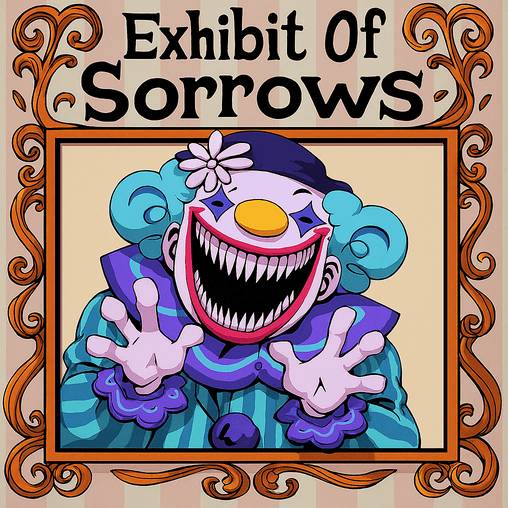
Exhibit of Sorrows is an interactive clown exhibition where following the display instructions gradually becomes uncomfortable. Keys move you between exhibits, but repeating the route changes the meaning of the interactions. Watching the response matters as much as finding something clickable.
How to Play Exhibit of Sorrows
Getting Started
- Read the current exhibit's instruction.
- Perform the indicated interaction and watch what changes.
- Collect the resulting key or continue when the route opens.
Following the Exhibit Instructions
Each clown exhibit presents an instruction and an interaction. Read what the display asks, carry out the action, and watch its response before collecting the key or moving through the opened route. A key connects one exhibit with the next part of the visit.
The route can return to familiar displays under changed circumstances. Compare the later interaction with the first visit and notice what the exhibit now asks of you. The unsettling progression depends on that change in context, not only on finding the next clickable object.
Practical tips
- Allow an animation to finish before adding another input.
- Notice how an exhibit differs on a return visit instead of assuming the first interaction remains the answer.
Frequently asked question
Should I keep clicking a display after it responds?
Check the visible result and next instruction first. Repeated input can obscure whether you have already completed that interaction.