
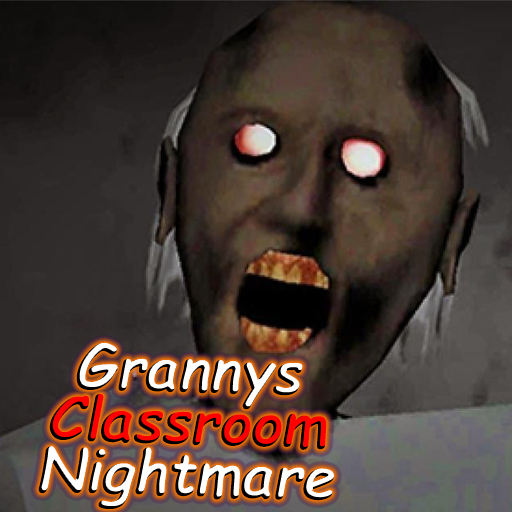




About Granny's Classroom Nightmare
Granny's Classroom Nightmare uses an abandoned school with a time-pressure escape premise. Objects and puzzles connect the route before Granny's pursuit becomes the immediate problem. Tracking the remaining task matters more than treating every classroom as an unrelated search.
How to Play Granny's Classroom Nightmare
Getting Started
- Read the opening objective and available time information.
- Inspect a blocked route and search for its relevant object.
- Use the discovery before extending into another classroom.
Controls
| Input | Action |
|---|---|
| Mouse | Look around |
| WASD / Arrow keys | Move |
| Left click | Interact |
| I | Open inventory |
| F | Flashlight |
| Shift | Crouch |
| Space | Jump |
Working Through the School
The abandoned school replaces the usual house with classrooms and connecting corridors. Search for clues and useful objects while keeping an eye on the route back to the current puzzle. Noise can draw Granny, so moving between rooms and stopping to investigate both carry risks.
The controls give you several ways to handle the environment: F toggles the flashlight, I opens the inventory and Shift lets you crouch. Check what you have collected before returning to an obstacle. Check the on-screen instructions for the selected mode before you begin.
Practical tips
- Choose a short search branch rather than covering the entire school without a plan.
- After an unlock, inspect what new route it creates before returning to old rooms.
Frequently asked question
Does silence mean the threat has disappeared?
Quiet moments are part of the buildup. Keep following the displayed objective and watch for warnings, even when nothing is approaching yet.