About Horror Bosses Clicker
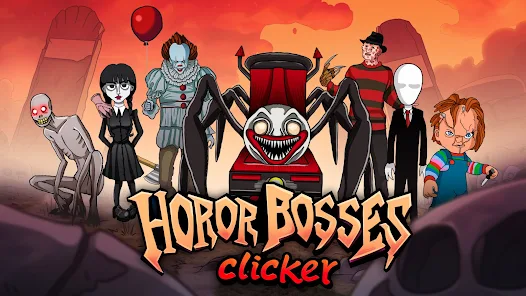
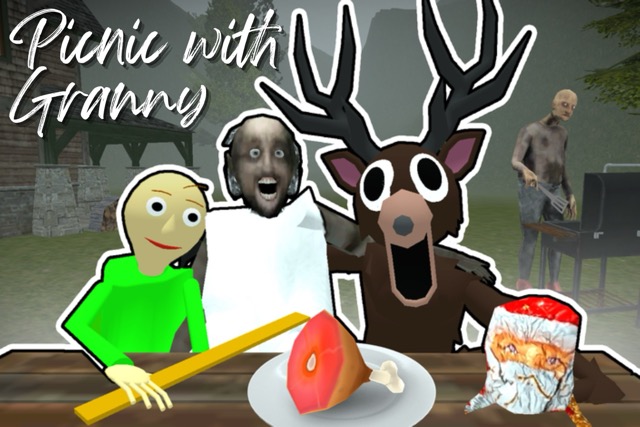
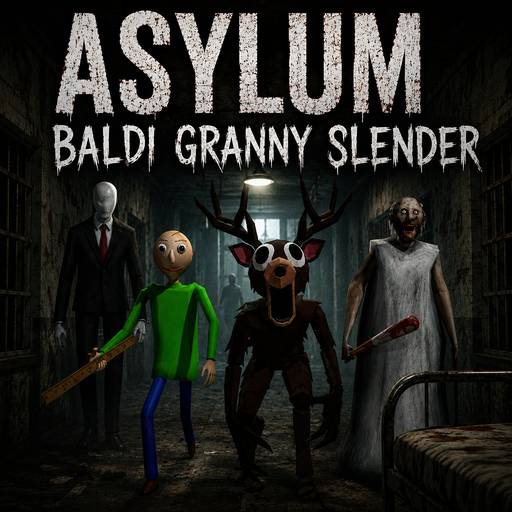
Horror Bosses Clicker makes attacking a displayed boss the main interaction. Clicking reduces its health, while equipment can change the pressure on that bar. It is a clicker progression problem rather than a corridor escape, even though the opponents borrow familiar horror appearances.
How to Play Horror Bosses Clicker
Getting Started
- Click the current boss and observe the effect on its health.
- Inspect an available tool before selecting it.
- Compare the result with the next boss's progress before changing equipment again.
Reading the Boss Health Bar
Each boss appears with a health bar that falls as you click. Watch how quickly the current bar changes, then inspect the tools or weapons offered in the interface. Comparing the visible result before and after a choice helps you decide whether an option improved your progress.
The horror-character lineup changes the presentation of each encounter, while the central action remains attacking the displayed boss. Use the health bar as the feedback for your next decision instead of searching for movement or hiding controls that the current challenge does not require.
Practical tips
- Use the visible health change to judge whether an option helped.
- Do not expect movement keys or hiding to replace the attack interaction.
Frequently asked question
How do I judge whether a tool is helping?
Click the boss and watch its health bar. Compare the effect of your available equipment before selecting the next tool.