


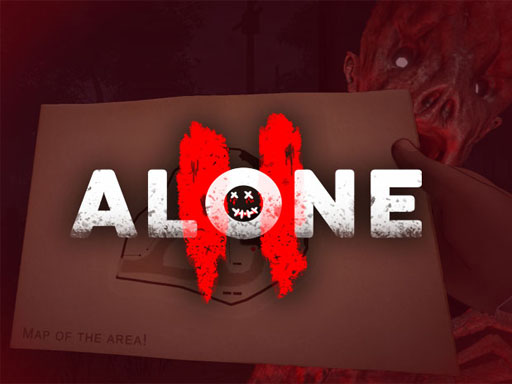




About The Lost Signal SCP
The Lost Signal: SCP organizes its investigation around assignments supplied by an electronic display. Tasks can require an object interaction, a conversation, or a search, making the current instruction more important than a general instruction to escape. The agent's notebook provides another place to check when progress becomes unclear.
How to Play The Lost Signal SCP
Getting Started
- Read the assignment at the electronic board.
- Complete the named interaction or search in the relevant area.
- Review the notebook when a task appears unfinished, then return for the next assignment.
Controls
| Input | Action |
|---|---|
| Mouse | Look around |
| WASD | Move |
| E | Interact |
Reading Assignments and the Agent's Notebook
The electronic board supplies the current assignment. Read what it asks before leaving: the next task may be an object interaction, a conversation or a search, and each calls for a different destination. Identify the named place or person so you can judge whether an action actually addresses the assignment.
If progress appears to stop, review the agent's notebook alongside the board. The two records help you distinguish an unfinished task from an area you have merely visited. Return to the relevant assignment point after completing an interaction, rather than treating every available door as an independent escape objective.
Practical tips
- Finish one instruction before testing unrelated objects so you can tell what caused the task to advance.
- Use the notebook to resolve a particular missing step, not as a reason to restart every completed action.
Frequently asked question
What should I do if the next objective is unclear?
Revisit the assignment display and your notebook. Check the current task for an interaction, conversation or search you have not completed.